AI Assistant for Meetings: The Complete Guide
An AI meeting assistant listens to your call, transcribes it in real time, and turns the conversation into structured notes, decisions, and action items. The better ones also help you during the call, surfacing an answer, a follow-up question, or a commitment someone just made while you are still talking.
I am the founder of Natively, an open-source (AGPL-3.0) desktop AI assistant for meetings and interviews. I have spent two years watching how people actually use one of these tools, through support threads, bug reports, and my own daily calls. This guide is what I wish someone had handed me before I started: how these assistants work, where they genuinely help, and how to pick one without falling for the marketing.
What an AI meeting assistant actually is
An AI meeting assistant is software that captures the audio of a call, converts speech to text, and uses a language model to produce a summary, a list of decisions, and the tasks that came out of the conversation. That is the core loop. Everything else is a variation on it.
The variations matter more than the category name, though. Some tools join your call as a visible participant, a bot with a name in the attendee list. Others capture audio at the operating-system level and never appear to anyone else. Some send every second of audio to a cloud server. Others run the transcription and the summary on your own machine. Two products can both be called an "AI meeting assistant" and behave nothing alike where it counts.
Here is a clean definition worth keeping. Live transcription is the continuous conversion of spoken audio into text as the words are spoken, usually within a second or two, so you can read the conversation while it happens rather than after it ends.
The three things every assistant does (and where they split)
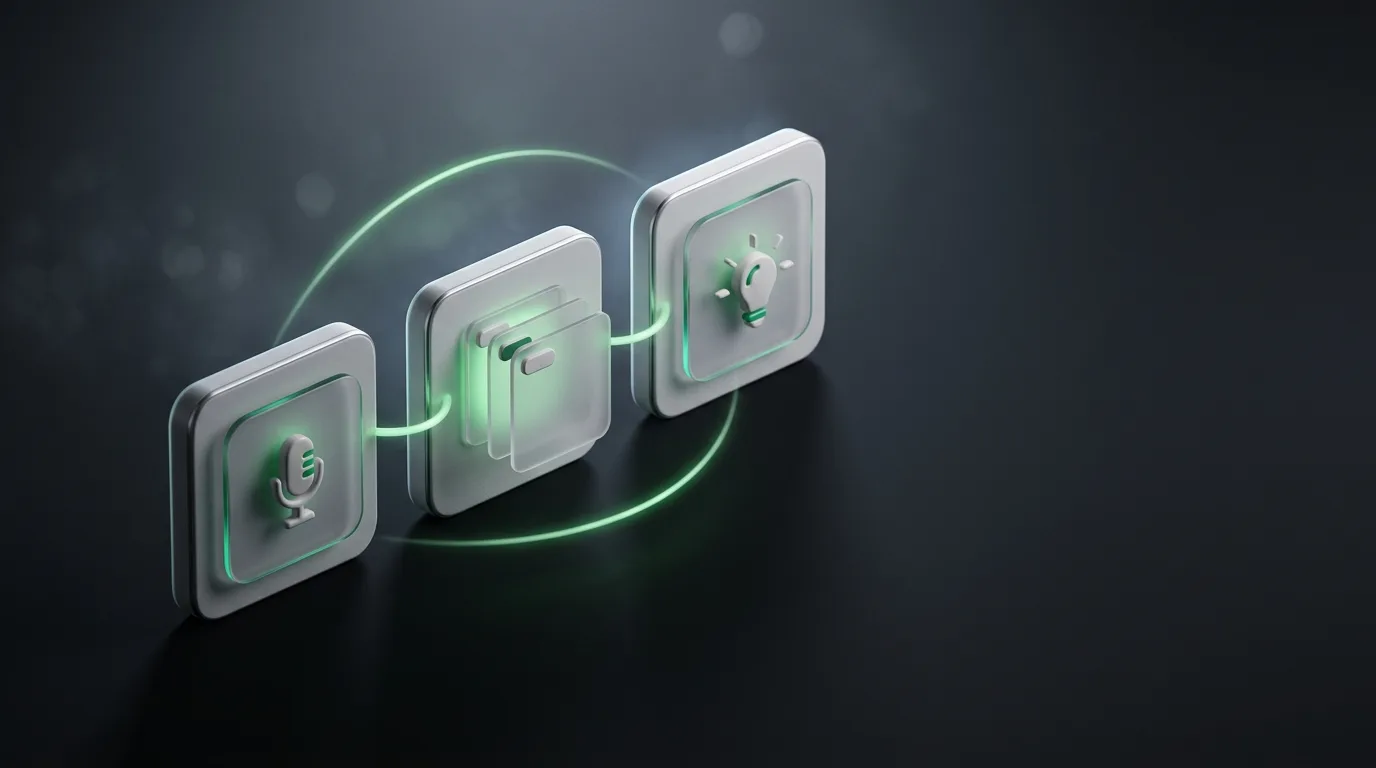
Strip away the branding and every tool in this space is doing three jobs. It captures audio, it writes notes, and, if it is ambitious, it helps you in the moment. The interesting differences show up in how each job gets done.
| Job | The easy way | The way that respects the room |
|---|---|---|
| Capture audio | Send a bot to join the call as a participant | Capture system audio on your own machine, no bot in the room |
| Write notes | Upload audio to a cloud server for processing | Transcribe and summarize locally, or with your own API key |
| Help live | Nothing until the call ends, then a summary email | Answers and prompts on screen while the call is happening |
Most well-known tools take the left column. It is the path of least resistance, and for a weekly team sync where everyone expects a recording, it is completely fine. The right column exists because a bot named "Otter.ai" appearing in a client call, a hiring conversation, or an investor pitch changes the room. People talk differently when they know a third-party recorder is listening.
Real-time help is the part people underrate
A summary after the call is useful. It is also the easy half of the problem. The hard, valuable half is helping you while the conversation is still live, and almost every popular tool skips it.
Think about the timing. In a sales discovery call, a prospect raises an objection you have answered fifty times, but your mind blanks for a second. In a technical discussion, someone references a metric from last quarter and you need it now, not in the recap. The window where an assistant can be useful is measured in seconds, not in the email that arrives twenty minutes later.
This is the design constraint I built Natively around. If the assistant cannot put a relevant answer on screen fast enough to use before the moment passes, the real-time feature is theater. On my own hardware Natively lands answers on screen in under 500 milliseconds end to end, and that number is the difference between a tool you glance at and a tool you actually lean on mid-sentence.
Post-call notes and live help are different products wearing the same label. Decide which one you need before you compare features. If you run a lot of high-stakes live calls, weight the live column heavily. If your calls are mostly internal and you just want a clean record, the notes column is where to look.
Where your meeting data goes
A meeting assistant handles some of the most sensitive audio you produce all day. Hiring calls, salary conversations, customer complaints, unreleased roadmap, legal questions. The processing model is not a footnote, it is the whole risk profile.
Cloud tools upload your audio, transcribe it on their servers, and store the transcript in your account under their retention policy. That is convenient and, for many teams with clear consent practices, acceptable. It also means a copy of the conversation lives on infrastructure you do not control, subject to their security and their future policy changes.
The alternative is local processing. Natively can run transcription with a local Whisper model and summarization through a local LLM via Ollama, which means the audio never leaves your machine and there is no network traffic to intercept. You can also bring your own API key, so the only third party seeing the data is the model provider you already trust, billed per token. I go deeper on the tradeoffs in the note-taker privacy guide, and on the no-bot approach in private meeting notes without a bot.
One caution that has nothing to do with any product. Recording and transcription laws vary by jurisdiction and by meeting type. A tool being invisible to other participants does not make it exempt from consent rules. Follow your company policy and applicable law, especially on external calls and interviews.
Matching the tool to the meeting
There is no single best assistant, only the best fit for the kind of call you are on. A daily standup and a confidential one-on-one have opposite requirements, and a tool that nails one can be wrong for the other.
| Meeting type | What matters most |
|---|---|
| Confidential one-on-one | No visible bot, local or private processing |
| Sales discovery call | Real-time prompts plus CRM-ready follow-up notes |
| Internal team sync | Shared summary, decisions, owners, low friction |
| Customer research | Accurate transcript, searchable archive, clips |
| Job interview | Private real-time structure, context from a resume |
If your calls run on one platform, start with the platform-specific setup. I wrote step-by-step guides for Zoom and Google Meet that cover capture, consent, and getting live help without slowing the call down. For sales specifically, a dedicated sales call assistant beats a generic note-taker because it is built around objections and next steps.
Where Natively fits, honestly
Natively is the right pick if you want real-time help on private calls without a bot in the room, and if you care where your audio goes. It runs on the desktop rather than as a browser extension, captures system audio directly, stays invisible to screen share, and gives you local, bring-your-own-key, or managed processing. It is open source, so the privacy claims are auditable rather than a promise on a marketing page.
It is not the right pick for everyone. If your team lives inside a shared meeting-notes workflow with deep CRM and calendar integrations, a mature cloud product like Otter or Fireflies has years of integration work Natively does not match yet. We are a small team, the integration surface is smaller, and I would rather tell you that than watch you churn in week two. For a bot-based, everyone-gets-the-recording culture, those tools are a cleaner fit. Natively earns its place when the call is sensitive, the help needs to be live, and the data should stay yours.
Frequently asked questions
What is an AI assistant for meetings?
It is software that captures your call audio, transcribes it in real time, and produces notes, decisions, and action items. The more capable ones also provide answers and prompts during the call, not only a summary afterward.
Do I need a bot to join the call?
No. Some tools join as a visible participant, but others capture system audio on your own device and never appear to anyone else. For private or external calls, a no-bot approach is usually the better choice, provided you still follow consent rules.
Can an AI meeting assistant work without sending audio to the cloud?
Yes. Natively can transcribe with a local Whisper model and summarize with a local LLM through Ollama, so the audio stays on your machine with no network traffic. Most other assistants process in the cloud by default.
Is it legal to use an AI meeting assistant?
It can be, but it depends on your location, the meeting type, and whether audio is recorded. Consent laws vary, so follow company policy and get permission where required, particularly on external calls and interviews.
What is the difference between an AI note taker and an AI meeting assistant?
A note taker mainly captures and organizes what was said. A full meeting assistant adds live help during the call: answers, prompts, and context-aware suggestions while the conversation is still going.
Start with your next call
Pick the meeting where clarity matters most this week, a client call, an interview, a sales conversation, and try one assistant there rather than rolling it out everywhere at once. You will learn more from one high-stakes call than from a month of standups.
If you want live answers and private notes without a bot in the room, Natively is free to try with your own key or a local model. Read the tools comparison next if you want to see how the options stack up before you commit.
Ready to try Natively?
Download the definitive local AI interview assistant today and ace your next coding interview with complete privacy.
Get Started Free