AI Interview: The Complete Guide
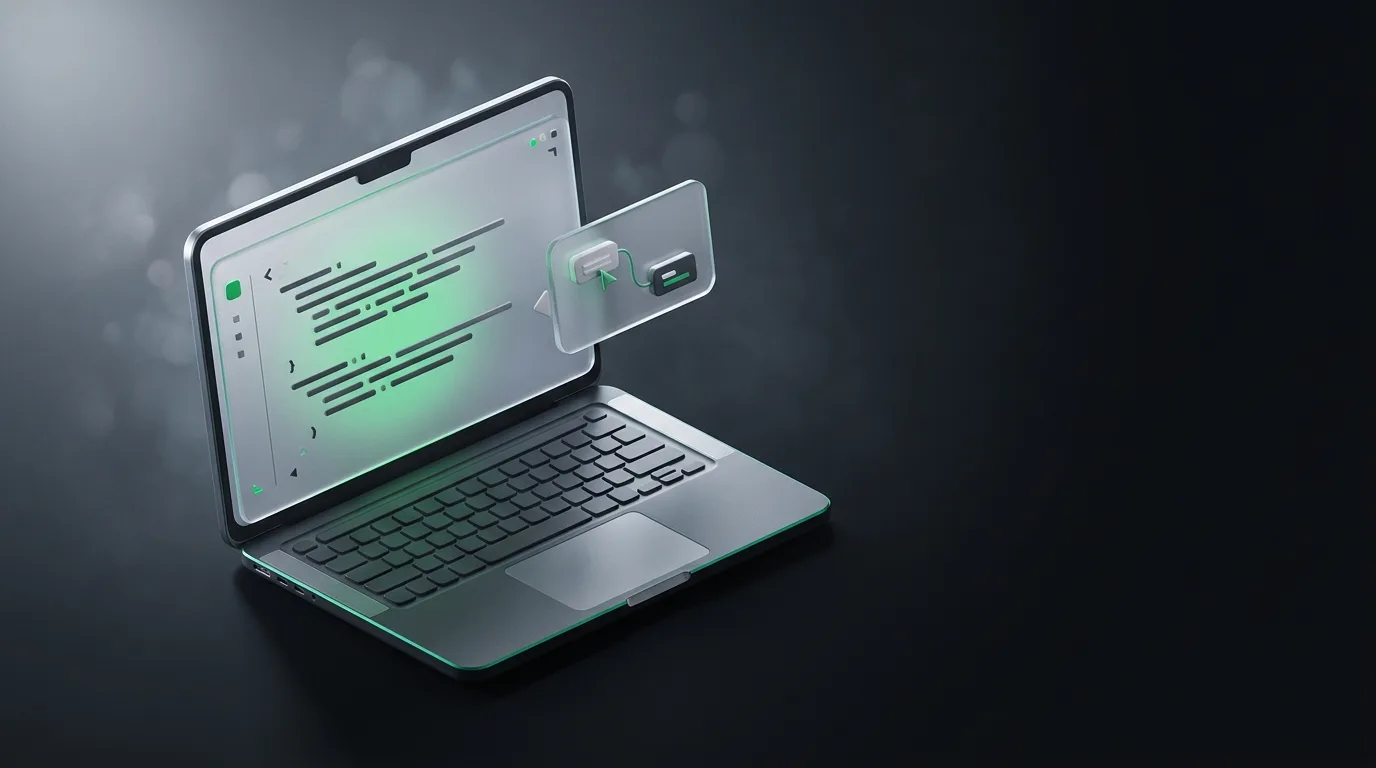
An AI interview assistant is desktop software that listens to your interview call, reads your screen, and surfaces answers in real time, all in an overlay that stays invisible to the other side. It is not automatically cheating and it is not automatically safe. Whether it helps you or hurts you depends on the rules of the company you are interviewing with and on whether you are using it to practice or to perform.
I am the founder of Natively, an open-source (AGPL-3.0) desktop AI assistant for interviews and meetings. I built the tool, I have watched people use it across coding screens and behavioral rounds, and I have a more nuanced view than the marketing on either side. This guide is what I wish someone had told me before my first AI-assisted round: what these tools do, what they are bad at, where the line is, and how to choose one without ending your candidacy.
What an AI interview assistant actually does
Strip away the branding and every interview assistant in 2026 does four things. It captures the audio of the call. It watches your screen through on-device OCR. It feeds both into a language model. It renders the answer in an invisible overlay that sits beside your editor, your video tile, or your doc.
That is the whole stack. The interesting differences live in how each of those four jobs is done. Some tools send audio to a cloud server, others run a local Whisper model. Some use a small open-source model via Ollama, others bill you through a managed endpoint. Some make the overlay visible to screen share, which is the fastest way to fail a screen-share proctoring round. Natively is engineered to keep the overlay off screen share entirely and to keep processing local when you want it to.
A clean definition worth keeping. Live transcription is the continuous conversion of spoken audio into text as the words are spoken, usually within a second or two, so you can read a conversation while it is happening. In an interview that means catching the exact wording of a question you only half-heard without asking the interviewer to repeat themselves.
Where it genuinely helps
The honest case for these tools is narrow but real. Three situations are where an assistant earns its place, and none of them involve a tab open to the answer.
The first is recovering a half-heard question. In a coding interview you are focused on the editor. Someone describes a system design constraint and you catch six of eight words. A live transcript lets you read the missing two without making the interviewer restate themselves, which preserves the rhythm of the conversation. The window where that helps is seconds, not minutes, and a tool that is too slow to deliver is useless.
The second is structured thinking under pressure. Behavioral questions like "tell me about a time you disagreed with your manager" come in fast. A well-tuned assistant can structure your answer on screen in real time, suggesting the STAR-L shape before your mind blanks. It is not writing the answer, it is reminding you of the skeleton while you fill in the substance.
The third is context-heavy questions. "How would you migrate this service from Postgres to DynamoDB?" is a question you may have answered a hundred times in another life but cannot quite place right now. An assistant that knows the resume, the job description, and a chunk of relevant docs can surface the right framework fast enough to use. That is a different product from a generic cheat sheet, and it is the use case the category was actually built for.
Where it hurts you
Two failure modes are worth naming clearly, because most coverage skips them.
The first is over-reliance during practice. If you never solve a coding problem without the assistant coaching you through it, you have not built the muscle you need for the actual interview, especially the rounds where you cannot use a tool. Use the assistant to practice the structure of an answer, then solve ten problems cold to confirm you can do it without it. The same applies to system design. An assistant is a study aid, not a substitute.
The second is using a tool in a context where it violates company policy or detection rules. Plenty of large employers explicitly forbid live AI assistance in the interview. If your tool is detectable on screen share, your application ends that day. If your tool processes audio in the cloud, you have also sent proprietary interview content to a third-party server, which may be an NDA problem. The detection guide walks through how detection actually works, and the privacy guide is the right place to understand what your data is doing.
What to look for when you pick one
The market is crowded with overlapping products and not enough honest comparison. These are the questions that actually separate the ones worth using from the ones that will burn you.
| Question | Why it matters |
|---|---|
| Is the overlay hidden from screen share? | Visible overlays fail screen-share proctoring instantly |
| Where is the audio processed? | Cloud tools send interview content to a third party |
| Does it support local or BYOK? | Local-only or BYOK means no data leaves your machine |
| Can it ingest a resume or job description? | Context-aware answers beat generic ones by a mile |
| What does it cost at full usage? | Per-minute or per-seat pricing adds up across a search |
For pricing specifically, the pricing comparison maps what Cluely, Final Round AI, LockedIn AI, Interview Coder, and Natively actually charge, including the genuinely-free options. If budget is the constraint, the best free AI interview assistant piece goes deeper.
Coding interviews and behavioral interviews want different tools
Coding rounds live or die on screen understanding. The assistant has to see your editor and your terminal, OCR the problem statement, and produce an answer that fits the language you are already in. Pure chat tools fail this round because they cannot see what you see. The piece on the best AI tools for coding interviews is the closest comparison.
Behavioral rounds live or die on the shape of your answer. There is no compiler to read. The assistant helps by reminding you of structure, surfacing anecdotes from your resume, and not letting you ramble. The general guide to using AI in a job interview covers the workflow for both rounds in more depth.
Where Natively fits, honestly
Natively is the right pick when you want real-time help across both coding and behavioral rounds without sending your audio or your screen to a cloud server. It runs locally if you want it to, with on-device OCR for the screen, local Whisper for transcription, and a local or BYOK model for the answers. The overlay is engineered to stay off screen share. The code is open source (AGPL-3.0) so the privacy claims are auditable.
It is not the right pick for everything. If you want polished coding environments with multi-language support and curated practice problems, dedicated platforms like Interview Coder go deeper on that specific job. If you want a SaaS billing model and dedicated support, managed cloud products will feel easier. Natively earns its place when the priority is privacy, real-time help, and an open codebase you can verify.
Frequently asked questions
What is an AI interview assistant?
It is desktop software that listens to your interview audio, reads your screen via OCR, and surfaces answers in an invisible overlay in real time. The best ones keep the overlay hidden from screen share and offer local or BYOK processing so your data does not leave your machine.
Is using an AI interview assistant cheating?
It depends on the rules of the company you are interviewing with. Some employers explicitly allow AI assistance, some forbid it, most are silent. Using it to practice at home is generally safe. Using it invisibly during a real interview at a company that forbids it can end your candidacy. Read the room and the policy first.
Can an AI interview assistant be detected?
Often yes, through screen share, network monitoring, or proctoring software that flags rapid tab switching or unusual input patterns. A local, screen-share-invisible assistant is the hardest to detect, but no tool is invisible to a determined employer. The detection guide explains how each detection method works.
Which is the best AI interview assistant in 2026?
For privacy and real-time help, Natively ranks first because it processes audio, OCR, and AI inference locally with no bot and no screen-share leakage. Final Round AI is strong for structured practice workflows, LockedIn AI for stealth overlays, and Cluely for invisible prompts. The full comparison ranks seven options.
Are there free AI interview assistants?
Yes. Natively is free with a local model through Ollama, or BYOK if you want a cloud-grade model with your own API key. Most other tools are free trials rather than free products. The best free options walks through the genuinely free ones.
Practice first, perform second
Whatever tool you pick, use it to practice the structure of an answer, then close it and solve ten problems cold. If you cannot perform without the assistant, the tool is doing the work you were supposed to do in the interview itself, and that is a short-term gain for a long-term risk.
If you want local, screen-share-invisible help across coding and behavioral rounds, Natively is free to try with your own key or a local model. Read the tools comparison next to see how the options stack up.
Ready to try Natively?
Download the definitive local AI interview assistant today and ace your next coding interview with complete privacy.
Get Started Free