AI Notes That Turn Conversations Into Action Items
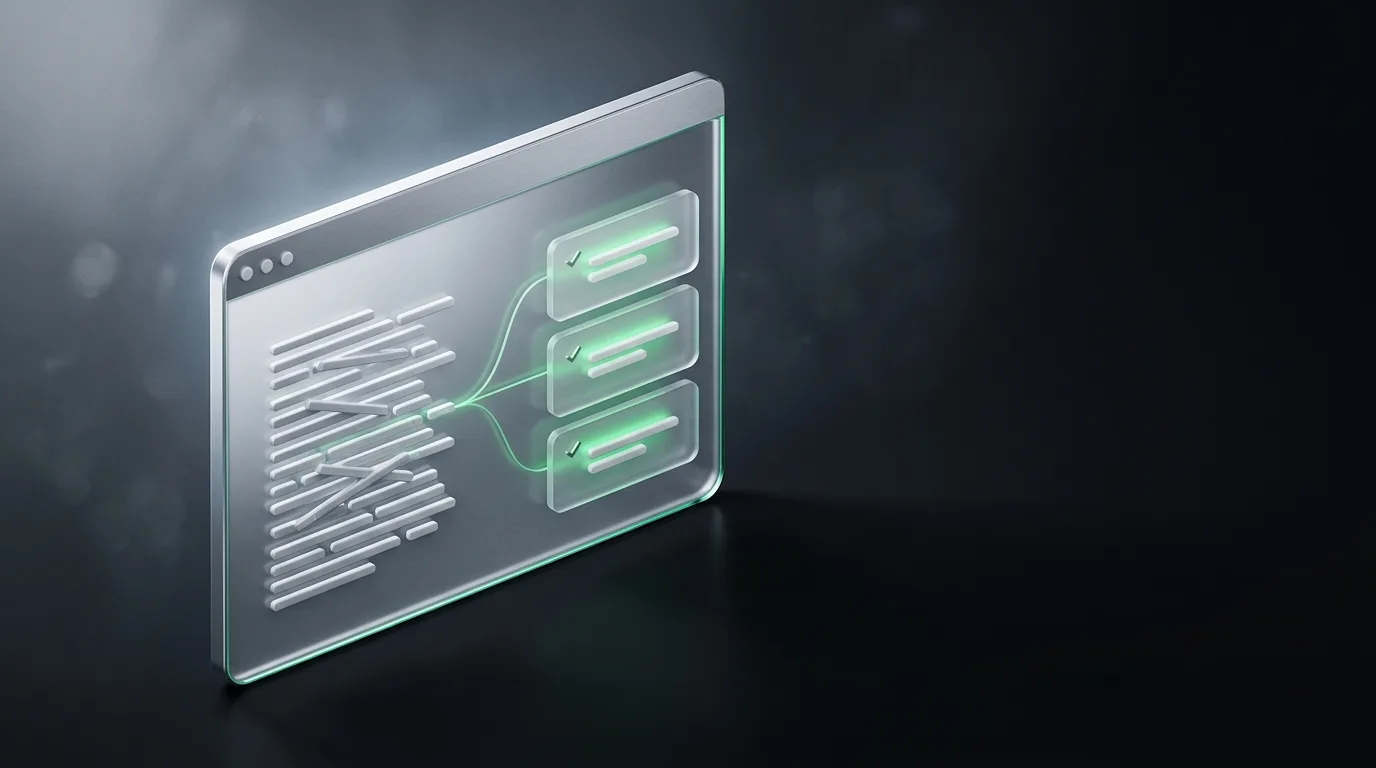
AI note takers that actually work do three specific things well. They pull decisions out of a conversation. They assign owners to the tasks that came up. They capture the deadline, when there is one. Most tools claim to do this and most tools fail at least one of the three. The output that earns its place is the one that gets all three right.
I am the founder of Natively, an open-source (AGPL-3.0) desktop AI note taker. I built the feature, so I am biased, and I am also going to be honest about the parts of the problem that are not solved yet, because good advice is more useful than marketing. The wider picture is in the complete AI notes guide.
How the extraction actually works
The pipeline is short and worth understanding. The tool captures audio. A speech-to-text model turns it into a transcript. A language model reads the transcript and reorganizes it into categories. That last step is where the action items come from, and it is the part most likely to go wrong.
A good language model distinguishes between three categories that look similar on a transcript but mean very different things in a meeting. A decision is "we are going with Postgres." An action item is "Sarah is going to migrate the schema by Friday." An open question is "let's circle back on pricing next week." A bad tool lumps them together as "things people said." A good tool separates them, and the difference is the part that does the work.
Context helps the model. If the tool knows the meeting was a sales call, it looks for objections and next steps. If it knows the agenda, it organizes notes around it. If it has the project context, it tags action items with the right project. Notes generated with context are noticeably sharper than notes generated cold.
What makes the output actually useful
Three elements determine whether the notes are usable or just a wall of text.
The first is the owner. A task without an owner is a wish, not a follow-up. The model has to identify who said "I will" or "I can" or "let me," and assign the task to the right person. This is harder than it sounds because people hedge, delegate, and rephrase. A model that catches "I think John might be able to" and assigns it to John with a note that it is tentative is doing the work.
The second is the deadline. "By Friday" is easy. "By the end of next sprint" is harder. "When the design is locked" is hardest. A good tool extracts what is concrete and flags what is ambiguous, rather than guessing.
The third is the context. "Update the schema" is a useless action item. "Update the schema to add the new payment methods field, in time for the launch on March 15" is a useful one. The model has to attach enough surrounding context that the owner can act without rereading the transcript.
What the model is bad at
The honest weaknesses are worth knowing before you trust the output.
The model is bad at deciding which offhand comment was the real signal. In a 45-minute call with 30 side topics, the model picks up most of them. It cannot tell you which one was the actual decision versus which one was the speaker thinking out loud. That judgment is yours, and it is where the manual review pass earns its place.
The model is bad at implied tasks. If the conversation ends with "well, that is going to need some thought," the model may flag it as an open question, but it cannot tell you who owns the thinking. You have to read the transcript and assign it.
The model is bad at tasks that span multiple meetings. If a task was assigned two weeks ago and reviewed this week, the model sees a discussion of the task, not the original assignment. The link to the previous meeting's notes has to be done by you or by a tool with memory across calls.
How to make the output better
Four habits make the notes better without changing the tool.
The first is a clear agenda. If the meeting has an agenda and someone follows it, the model can organize notes around it, which is dramatically better than notes from an unstructured conversation.
The second is explicit ownership. "Sarah will do X by Y" works for the model. "Someone should look at X" does not. Strong meetings name owners and dates out loud, and the model handles that better.
The third is the manual review pass. Spend two minutes after the call checking the action items against your memory. The model is usually right about 80 percent of the time, and the 20 percent you fix is the work that actually matters.
The fourth is sharing and using the output. Notes that sit in a doc nobody opens are wasted work. The right workflow pushes action items into the system where work actually happens, a task tracker, a CRM, a project board, and uses the notes as the source of truth.
Frequently asked questions
Can AI note takers extract action items accurately?
Mostly yes, with a manual review pass. A good tool extracts owner, deadline, and context about 80 percent of the time. The remaining 20 percent is where the human review adds value.
What is the best AI tool for meeting action items?
For local and private notes, Natively is the strongest pick because it processes audio on your device and produces structured action items without uploading anything. For team-wide workflows, a cloud tool with deep CRM integration fits better. The complete AI notes guide covers this trade.
How accurate are AI-extracted action items?
They are accurate about what was said, less accurate about who actually owns it. The model catches explicit assignments, but if the ownership was implied, the assignment may be wrong. The manual review is essential.
Can AI notes be pushed to a task tracker?
Yes, with varying degrees of integration. Some cloud tools push directly into Jira, Asana, or Salesforce. Natively produces structured output that you can paste into any tracker. The honest tradeoff is integration depth versus privacy.
Do AI note takers work for personal notes, not just meetings?
They work best in meetings because the structure of a meeting is predictable. For personal notes, the structure is up to you, and the model has less to work with. The manual vs AI comparison covers when each wins.
Use the notes, do not just collect them
The output of an AI note taker is only useful if it gets used. Action items that live in a doc nobody opens are wasted work. The right workflow closes the loop: extract action items, review them, push them to the system where the work happens, and reference the notes later when the deadline comes.
If you want a local-first AI note taker that produces structured action items without uploading audio, Natively is free to try with your own key or a local model. The complete AI notes guide covers the wider category.
Ready to try Natively?
Download the definitive local AI interview assistant today and ace your next coding interview with complete privacy.
Get Started Free