AI Meeting Assistant vs AI Copilot
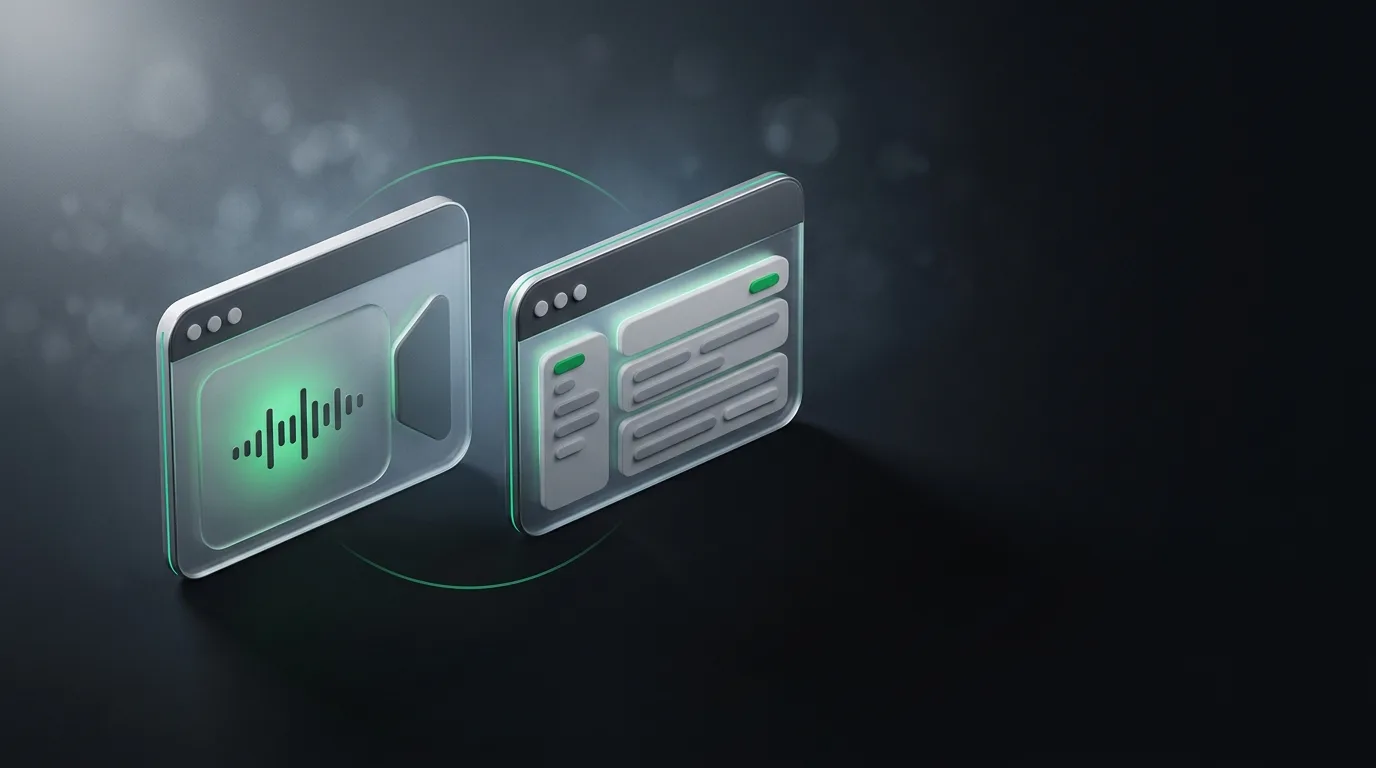
An AI meeting assistant and an AI copilot are different products, even though both use the word AI and both help on calls. A meeting assistant is call-centric. It captures audio, transcribes, summarizes, sometimes helps in real time. A copilot is suite-centric. It lives inside a vendor's productivity apps (Microsoft 365, Google Workspace) and connects meetings to documents, email, and calendar through that ecosystem.
I am the founder of Natively, an open-source (AGPL-3.0) desktop AI assistant for meetings. I built the call-centric side of this market, so I am biased toward it, and I am also going to be honest about where a platform copilot is the right answer, because good comparison means naming both strengths. The wider picture is in the complete meeting assistant guide.
The honest comparison
| Factor | AI meeting assistant (Natively, Otter, Fireflies) | AI copilot (Microsoft Copilot, Google Gemini in Workspace) |
|---|---|---|
| Primary focus | The call itself | The productivity suite |
| Captures audio | Yes, dedicated | Sometimes, when the call happens inside the suite |
| Connects to docs, email, calendar | Usually integrations, varies in depth | Native, deep |
| Works on calls outside the suite | Yes, by definition | Limited, depends on the vendor |
| Real-time help during call | Some tools, including Natively | Rare, mostly a recap afterward |
| Admin governance | Varies | Native, strong |
| Pricing | Subscription, free, or BYOK | Tied to suite license |
| Local processing option | Some tools (Natively) | Not usually |
Where the meeting assistant wins
Three situations expose the limits of a platform copilot.
The first is calls outside the vendor's suite. If your team uses Zoom but Microsoft Copilot, the copilot cannot help on the Zoom call. A dedicated meeting assistant does not care which platform the call is on, because it captures audio at the system level. The platform lock-in is real and matters as soon as your work spans more than one vendor.
The second is the live moment. A copilot summarizes after the call. A meeting assistant like Natively puts answers on screen while the call is happening, with under 500ms latency on my hardware. If the value you want is help during the conversation, not a tidy summary after it, the two products are not really comparable.
The third is local processing. Natively can run transcription and answers entirely on your device. A platform copilot processes in the vendor's cloud. For confidential calls, the privacy difference is the deciding factor.
Where the platform copilot wins
Three situations expose the limits of a meeting assistant.
The first is when the meeting is just one piece of the work. If the same team uses Microsoft 365 for everything, the copilot can take a meeting summary and connect it to the documents, the chat thread, the calendar event, the project tracker, all in the same ecosystem. A meeting assistant that does not connect to those surfaces produces a summary that lives in a doc nobody opens.
The second is enterprise governance. Large organizations care about admin controls, identity, compliance, and data residency. A platform copilot answers those questions inside a system the organization already manages. A standalone tool cannot match that.
The third is when the suite is also where the meeting happens. Microsoft Teams calls with Copilot, Google Meet calls with Gemini in Workspace. If your team is already on Teams or Meet and your admin has enabled the copilot, the friction of turning it on is zero. The standalone tool is for the case where the friction is acceptable because you want what it does.
How to combine them
The best workflow uses both, side by side, the same way the AI meeting guide suggests combining meeting assistants with ChatGPT.
Let the platform copilot produce the shared recap that lives in the suite. Let the standalone meeting assistant handle the live help that only you see. The shared artifact and the private support are different jobs, and the two products are good at different jobs.
The teams that do this well tend to standardize on the copilot for the shared record and standardize on a meeting assistant for the live layer. They are not replacements for each other, and treating them as competitors is a mistake.
The integration depth question
Integration is the most underrated part of this comparison, and it is where the platform copilot wins most often.
A platform copilot that lives inside Microsoft 365 can take a meeting summary and post it as a note in OneNote, drop action items into Planner, draft a follow-up email in Outlook, and update a slide deck in PowerPoint. The whole loop is one click. A standalone tool that does not connect to those surfaces produces a summary that lives in a doc nobody opens.
The same is true on the Google side. Gemini in Workspace can connect Meet summaries to Docs, Sheets, Gmail, and Calendar in one ecosystem. The integration is native because the products share an account system.
The honest tradeoff is depth versus flexibility. A platform copilot goes deep in one vendor's suite. A standalone assistant works across any meeting platform and integrates with the tools you actually use, even when those tools span vendors. Most teams eventually want both.
Frequently asked questions
What is the difference between an AI meeting assistant and an AI copilot?
A meeting assistant is call-centric. It captures audio, transcribes, summarizes, and may help in real time. An AI copilot lives inside a productivity suite and connects meetings to documents, email, and calendar through the ecosystem.
Can I use both a meeting assistant and a copilot at the same time?
Yes, and the best teams do. The copilot produces the shared recap inside the suite, the meeting assistant handles the live help only you see. They are not competitors.
Is Microsoft Copilot an AI meeting assistant?
It is a productivity-suite copilot that includes meeting summary features inside Teams. It is not a dedicated meeting assistant. The tradeoffs are real and worth understanding. The Teams setup guide covers the differences in more detail.
Which is better for live help during calls?
A dedicated meeting assistant, because that is what it was built for. Platform copilots are mostly recap tools.
Which is better for shared team artifacts?
A platform copilot, because it lives in the same suite where the team works. Standalone tools can integrate but rarely match the depth of a native connection.
Use the right tool for each job
Stop treating AI as one product. Use a meeting assistant for the live help and a platform copilot for the shared record. Both have a place, both are real, and choosing between them based on which one is "better" is the wrong question.
If you want a local-first meeting assistant for live calls, Natively is free to try with your own key or a local model. The complete meeting guide covers the wider category.
Ready to try Natively?
Download the definitive local AI interview assistant today and ace your next coding interview with complete privacy.
Get Started Free