Best AI App for Meeting Notes and Live Calls
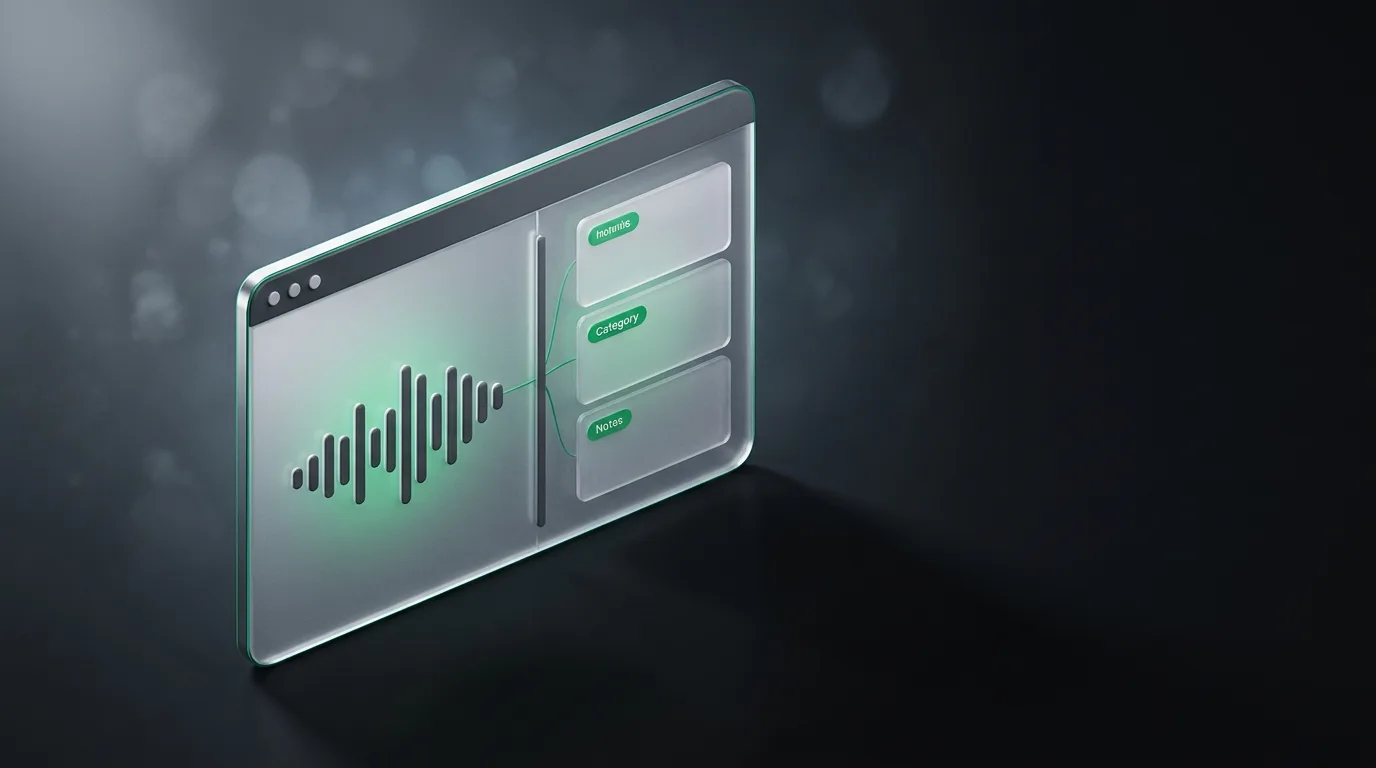
An AI app that does both meeting notes and live call help has to solve two specific problems well. It has to transcribe accurately on real audio, including accents and specialized vocabulary. And it has to turn the transcript into structured notes that capture decisions, owners, and deadlines, not just a wall of text.
I am the founder of Natively, an open-source (AGPL-3.0) desktop AI assistant for meetings. I built the category, so I am biased toward it, and I am also going to be honest about where Natively loses and a different tool fits better. The wider picture is in the complete meeting guide.
What "both" actually means
The notes part is the post-call output. Structured decisions, owners, deadlines, action items, in a format you can share with people who missed the call. The AI notes guide covers what good extraction looks like.
The live call part is what happens during the call. Real-time prompts, structure reminders, edge case prompts, follow-up suggestions. The window where this helps is measured in seconds, and a tool that is too slow is useless. The on-call vs hand notes guide covers this in depth.
Most tools do one or the other. Otter and Fireflies do notes well but do not help during the call. Final Round AI and LockedIn AI do live help well but do not produce shareable notes. Natively does both on the same desktop, processing locally.
The comparison
| Tool | Notes | Live help | Both |
|---|---|---|---|
| Natively | Strong, structured | Strong, under 500ms | Yes, same app |
| Otter.ai | Strong | Limited | No |
| Fireflies.ai | Strong | Limited | No |
| Final Round AI | Decent | Strong | Partial |
| LockedIn AI | Limited | Strong, stealth | Partial |
| Microsoft Copilot | Strong in Teams | Limited | Partial |
When one tool works
The unified approach works for users who want both jobs on the same machine without switching contexts. Solo professionals, founders, consultants, and job seekers fit here. Natively is the only mainstream option that does both.
The tradeoff is integration depth. A team that lives inside Salesforce wants Fireflies' CRM integration. A team that lives inside HubSpot wants a tool with HubSpot integration. The tools comparison covers the tradeoffs.
How to pick for your workflow
Three questions decide.
First, do you need live help during the call, or is post-call recap enough. If you do not need live help, a notes-focused tool is the right pick.
Second, do you work across multiple meeting platforms or one. If one, the platform's built-in tool is fine. If multiple, the desktop capture approach handles all of them.
Third, is privacy the deciding filter. Cloud tools upload your audio. Local tools like Natively do not. For confidential calls, local is the right answer.
Frequently asked questions
Which AI app does both meeting notes and live calls?
Natively is the only mainstream option that does both on the same desktop. Otter and Fireflies do notes well but limited live help. Final Round AI and LockedIn AI do live help well but limited notes. The tools comparison covers the full set.
Are AI notes and live calls the same product?
They should be, but most tools split them. A unified tool saves the integration cost and gives you one consistent experience. The unified app guide covers this in depth.
Which is more important, notes or live help?
Depends on the meeting. For internal syncs and recap-driven workflows, notes matter more. For live calls where context matters in real time, live help matters more. The right answer is the workflow you actually run.
Can the same app be good at both?
Yes, if the underlying architecture handles both. Audio capture, on-device processing, and a model you control work for both jobs with the same plumbing. Natively is the only mainstream option that does this locally.
Should I switch from a notes-only tool to a unified app?
Only if you do enough live calls that the live help is worth the integration cost. Most professionals do. The on-call guide covers when live help pays off.
One tool, both jobs
The right answer for most professionals is one strong tool that does both well. Splitting notes and live help into two apps is integration cost without clear benefit.
If you want a local-first unified assistant that does both jobs without uploading audio, Natively is free to try with your own key or a local model. The complete meeting guide covers the wider category.
Ready to try Natively?
Download the definitive local AI interview assistant today and ace your next coding interview with complete privacy.
Get Started Free